Turn today's flowsheet into a home exercise handout.
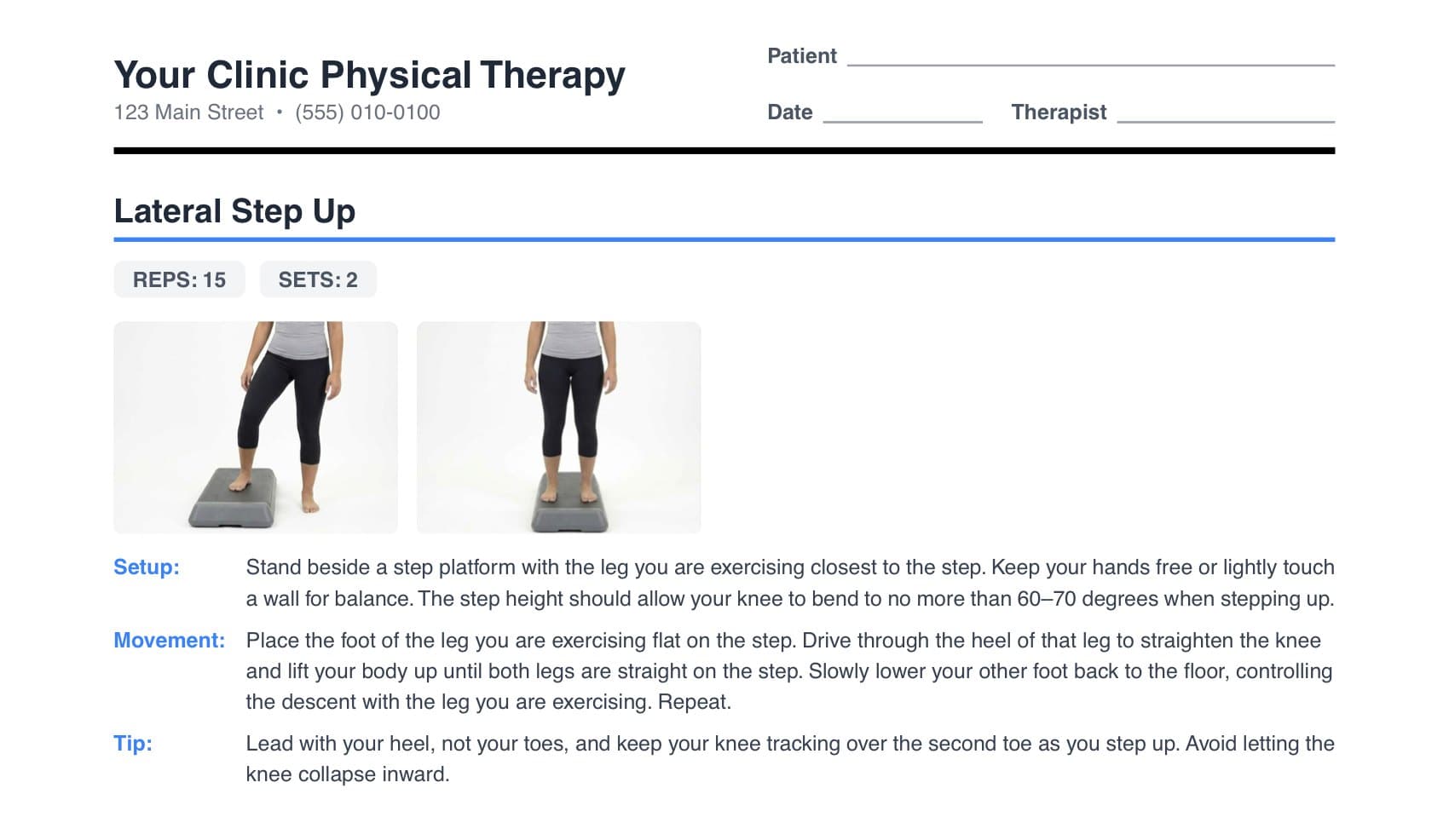
Drop in the WebPT flowsheet you already wrote. HEP Drop reads each exercise and its sets and reps, matches it to a photo from a library of 276 exercises, and gives you a handout with your clinic's name on it.
HEP Drop is invitation-only while we bring on our first clinics. Ask, and we'll set yours up.
How it works
The flowsheet you already wrote is the only thing you need. Here are three lines from a test patient's flowsheet going through.
1Export the flowsheet
Save the patient's flowsheet from WebPT as a PDF — the one you already wrote during the visit.
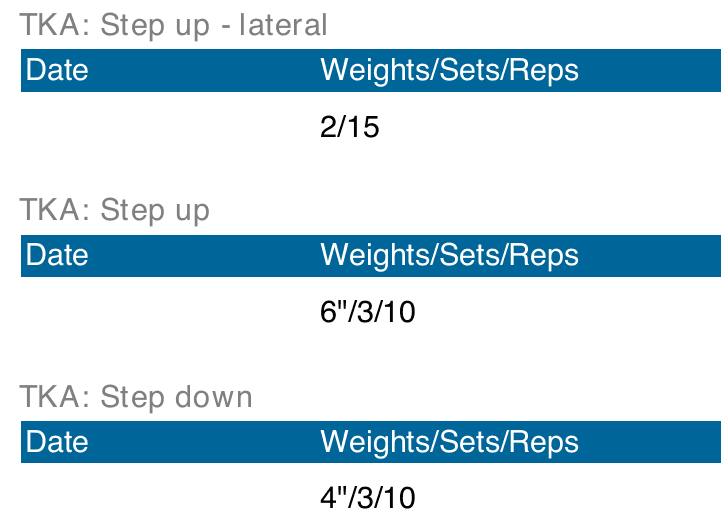
A test patient's WebPT flowsheet (dates blanked) 2Drop it in and check it
Each line is matched to an exercise with photos, and its sets and reps are read off the sheet. Change anything that isn't right.
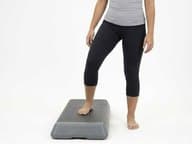
Lateral Step Up
On the flowsheet: Step up - lateral
MatchedSets 2 Reps 15
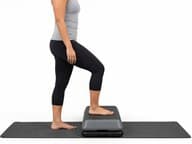
Step Up
Matched6" stepSets 3 Reps 10
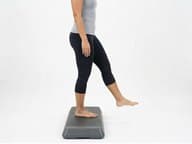
Step Down (Forward)
On the flowsheet: Step down
Matched4" stepSets 3 Reps 10
The check screen in HEP Drop 3Print the handout
A clean handout with your clinic's name, address and disclaimer on every page — ready to print or save.
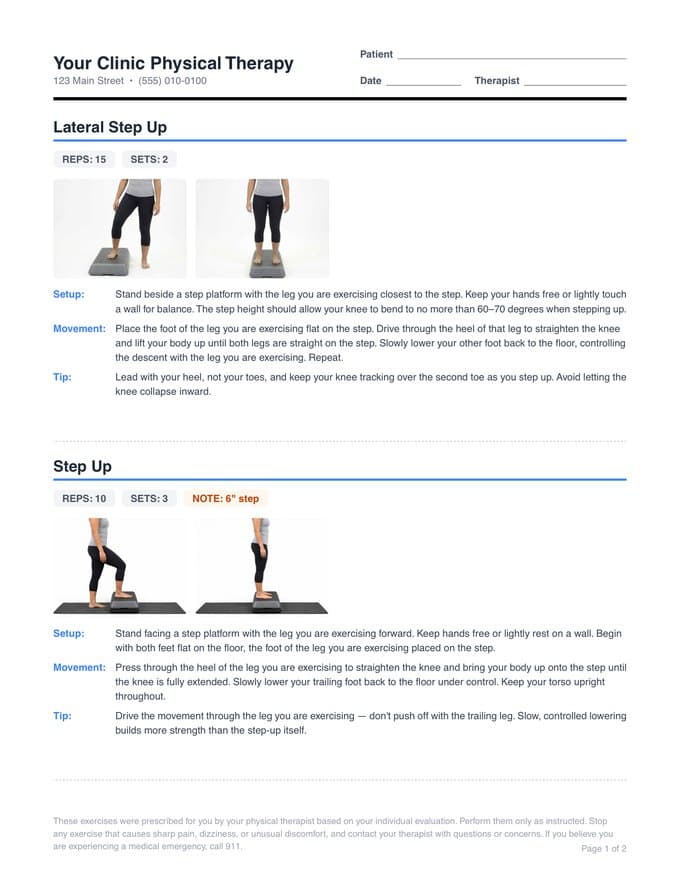
Page 1 of the real handout
Built for the clinic floor
For physical therapists, assistants and front-desk staff who already write the exercise flowsheet in WebPT and don't want to build the handout twice. The library covers the knee, hip, shoulder, back, neck, ankle, elbow and wrist.
Dosage from the sheet, never made up
Sets, reps and time come straight off the flowsheet. If a line has none, you're told — the handout never guesses.
Learns your clinic's shorthand
Pick the right exercise once for a name it didn't know, and it's remembered — each upload matches more than the last.
Your letterhead
Clinic name, address, phone and your own disclaimer print on every handout.
Made for a whole clinic
Invite your team. Clinic admins decide which names everyone shares, and can hand that job to someone they trust.
The flowsheet stays on your computer.
The flowsheet is read inside your browser and is never uploaded. The patient's name and details and the finished handout never leave your computer either.
There is no advertising, analytics or tracking on this site.
What does leave, and why
- Exercise names it doesn't recognise — so it can suggest a match. Each name is checked first, and anything that looks like a person's name, a date, a record number or a phone number is dropped. Suggestions come from a third-party model that sees exercise names only. When your clinic asks us to add an exercise, its name (never the clinic) is read by our tools.
- Names your clinic resolves — saved, with who saved them, so the clinic can review them.
- Your clinic's branding — its name, logo, address, phone and disclaimer, saved with the clinic so every handout carries it. It is about the clinic, never a patient.
- A short error report if the app crashes — scrubbed of anything shaped like an email, phone number, date or ID, and never the flowsheet or handout.
The flowsheet, the patient's details and the handout stay in the browser tab.
Want HEP Drop for your clinic?
Tell us about your clinic and we'll send you an invitation.